


Flexible Payments For Your Next Purchase
With Flex Pay, you can make thoughtful purchases and stay on budget with simple, monthly payments.

Low Monthly Payments

Surprise-Free

No Hard Credit Check
How Flex Pay Works
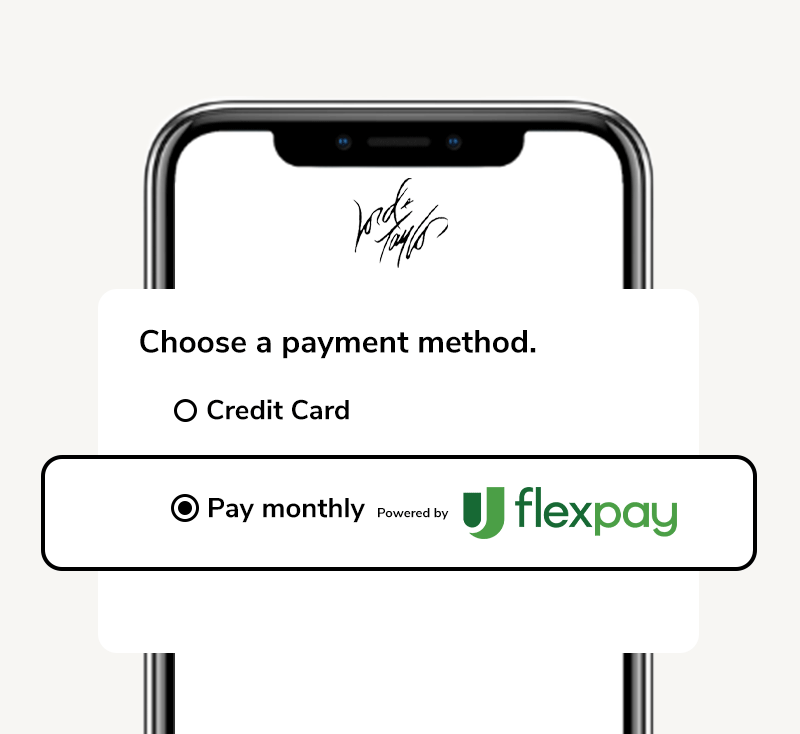
Select Flex Pay At Checkout
When you're done shopping, select Flex Pay as your payment method to apply with ease.
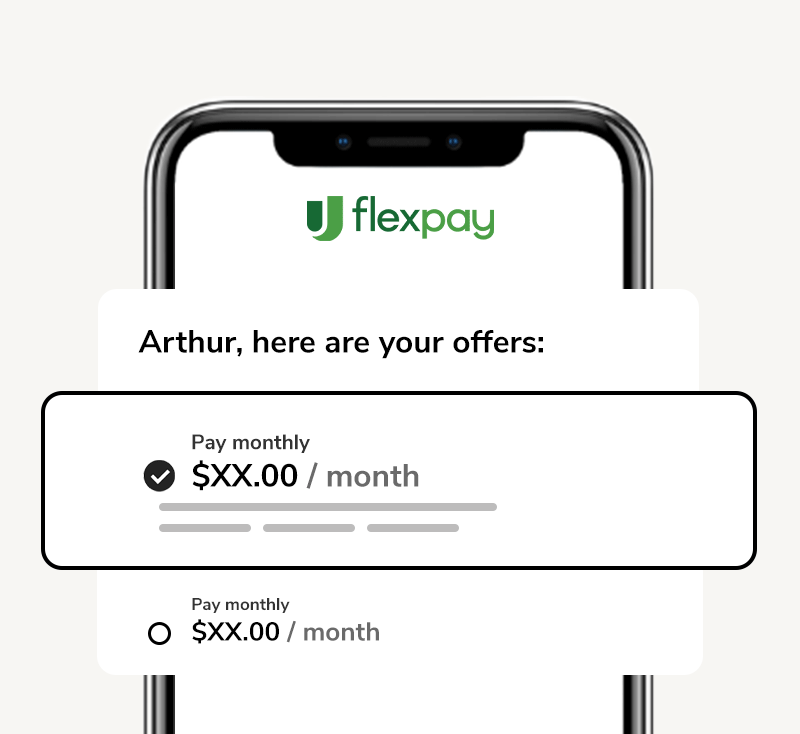
Choose Your Payment Plan
If approved, select the monthly payment plan and checkout to complete your purchase.
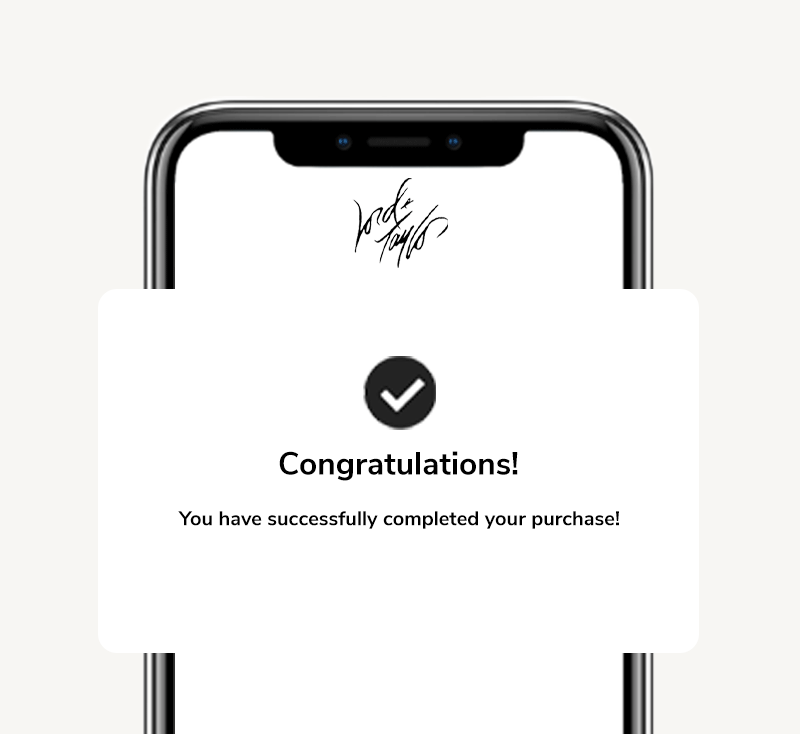
Complete Your Purchase
Enjoy your purchase! You can easily set up autopay so you never miss a payment.
Frequently Asked Questions
What is Flex Pay by Upgrade?
Flex Pay is a buy now, pay later product by Upgrade that gives you the freedom to purchase what you want now and pay over time with simple monthly payments. Some plans include interest while some are interest-free.
Upgrade is a financial technology company, not a bank, that provides affordable, responsible credit through its lending partners.
How do I apply for a loan through Flex Pay?
When you are ready to checkout, simply select Flex Pay as your payment method. To apply, you’ll need to be at least 18 years old and provide some basic information:
- Your mobile number
- Date of birth
- Your Social Security Number - if you are a US resident
If you're approved, finish checking out to complete your purchase. Note, residents in Iowa, West Virginia, or D.C. are not eligible to use Flex Pay.
How are loan terms determined by Flex Pay?
Upgrade’s lending partners look ata number offactors, including your credit information, purchase details, and more todetermineFlex Pay loan terms. If you have questions about your payment plan, please visit your Upgrade account via the app or online or contact us at customercare@upgrade.comcustomercare@upgrade.comor call us at(844)-257-5400Monday - Friday, 5:00 AM to 7:00 PM PT. Saturday - Sunday, 6:00 AM to 5:00 PM PT.
How do I make a payment on my loan through Flex Pay by Upgrade?
You have the flexibility to make payments in a number of different ways.
View your Upgrade account online or in the App and review your upcoming installments under the “Loans” tab in your account.
Set up auto-pay or, for one-time payments that you’ll make each month, you can:
- Pay online in your dashboard
- Pay by mail: send a personal check, cashier's check, or money order
To manage your loan through Flex Pay, you'll first need an Upgrade account. If you're new to Upgrade, you can create your account here to get started.
I purchased a trip using Flex Pay, can I travel before it's paid off?
Yes! Once you receive booking confirmation from the merchant, you're free to travel whenever - even before you're all paid off. Flex Pay will also send you a confirmation with your payment plan details.
Any changes or cancellations made by the merchant or the traveler will be subject to the merchant's terms and conditions.
What is Flex Pay's Privacy Policy and Terms of Use?
You can read ourPrivacy Policy and Terms of Use.
























































*Down payment may be required. Actual terms are based on your credit score and other factors and may vary. APRs range from 0% to 36%. Minimum $100 purchase required. Not everyone is eligible. Loans made through Flex Pay by Upgrade are offered by these lending partners: Flex Pay Lenders. Privacy Policy. Terms of Use. Upgrade, Inc. (NMLS #1548935) holds the following state licenses and does business under the following DBAs. 275 Battery St 23rd floor, San Francisco, CA 94111